Pages - A Primer
The Page .cms File
Pages live in the page namespace. Every .cms file in the page folder is considered to present a page.
Here we have explained some of the basics of pages and page flows.
If we add a entry to the main menu (main menus are explained here).
The url associated with the menu item is training:main.
If you click on the new main entry you get the following:
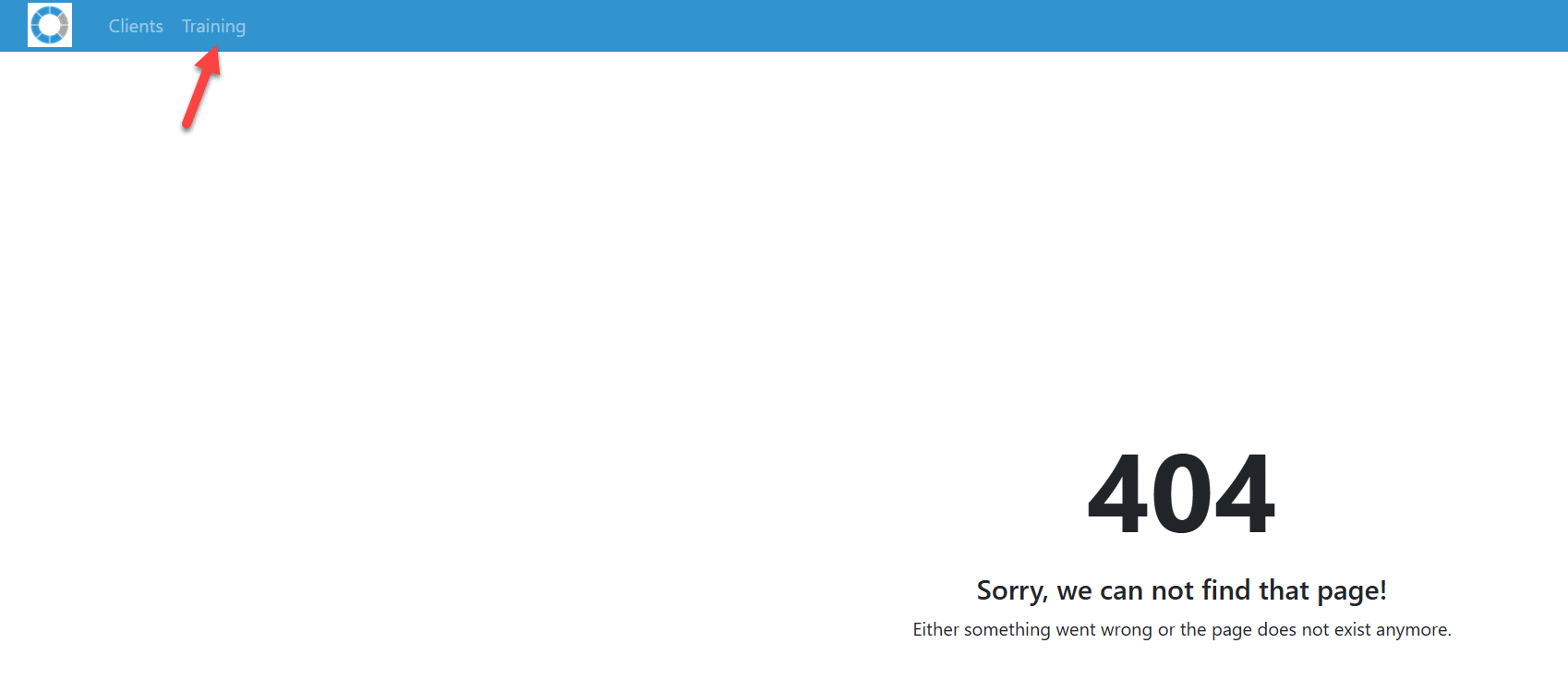
This makes sense because we refer to a page training but have not gone through the effort of creating that page.
Simply create the file page/training.cms and make sure it contains the following:
function main()
end-function
The 404 error is gone and what we see now is an empty page:
Note that the page must have a function main. Without the function main, you would still see a 404 error.
The function main is known as an entry point. A page .cms file can have any number of entry points (including zero, this is a bit unusual but will be explained later). Each entry point has a URL with the following structure:
page/<page>/f/<entryPoint>
or:
page/<page>
The latter format means that the routing will assume the main entry point.
Creating Output
You can create output by writing content to the response object. The repsonse function handler provides access to the HTTP response object:
function main()

    response.write( '<h1>Hello world</h1>')

end-function
This results in the following:
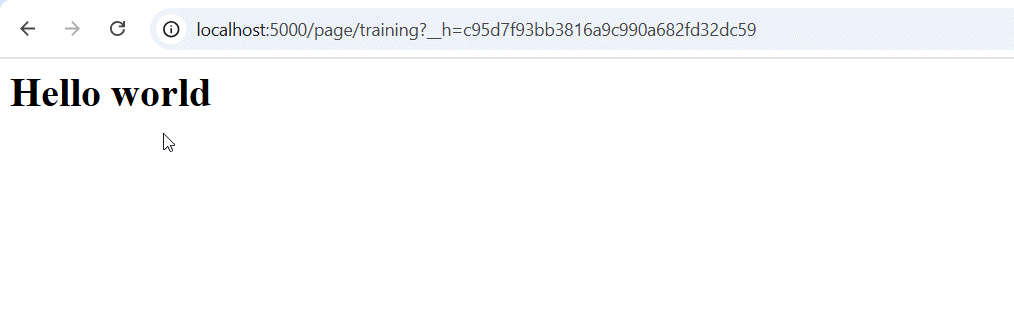
If you do view source on the page, you see that the page is absolutely minimal and does not even have the minimal html and body HTML tags.
Inheriting from backslashes
The following simple change to our training.cms file will make a big difference:
inherits 'base'

function main()

    response.write( '<h1>Hello world</h1>')

end-function
The page now looks as follows:
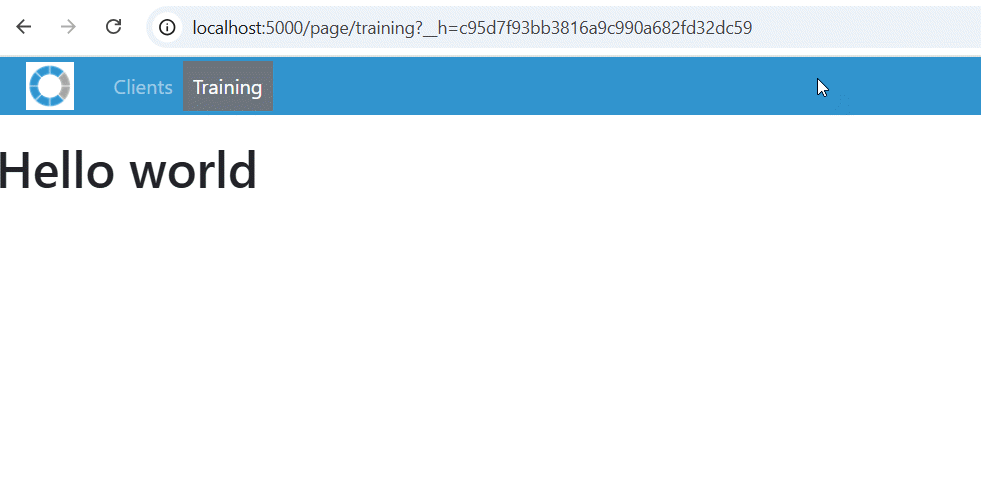
As you can see the main menu is now visible, property styling has been applied and a view source will reveal that the system has generated proper HTML.
CaseMaster and Bootstrap
The default CaseMaster installation uses Bootstrap for styling. You van thus refer to any Bootstrap classes for styling purposes.
The following would show the Hello World header in a Bootstrap container:
function main()

    response.write( '<div class="container">')
    response.write( '<h1>Hello world</h1>')
    response.write( '</div>')

end-function
The mechanics are explained here.
Replacing response.write
You can imaging that you can generate the HTML for any page using response.write(). This is however not the CaseMaster way...
The following shows a very simple page done the CaseMaster way:
inherits 'base'

function main()

    page.render(
        <@page/container
            content: <@page/title label:'Hello world' >
        >
    )

end-function
Resulting in the following:
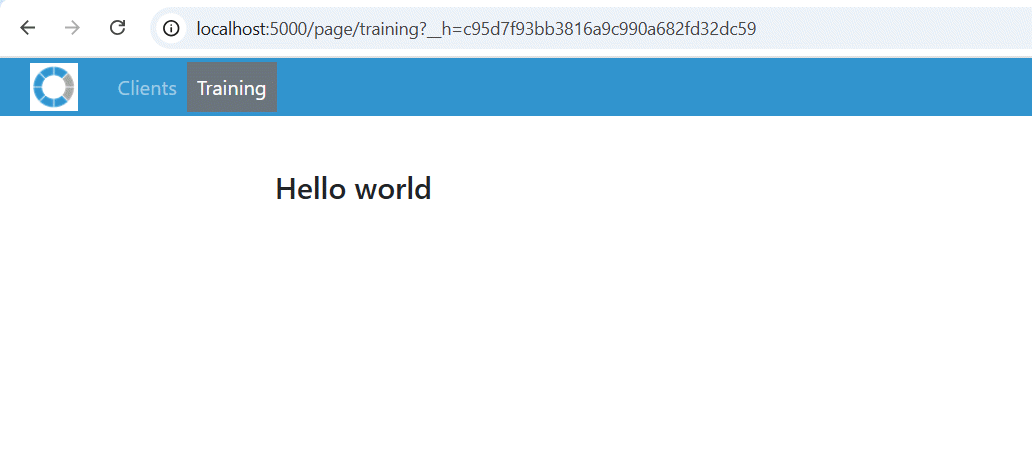
- The function
page.render()takes a property bag that describes a page (or part of a page) - The qualified property bag
@page/containeris used to generate a Bootstrap container with content - The content of the container consists of a page title
The content of a @page/container can only contain one item. If you have a more complex page than just a title (and you probably do), you can group multiple items in a @page/content.
inherits 'base'

function main()

    page.render(
        <@page/container
            content: <@page/content
                <@page/title label:'Hello world' >
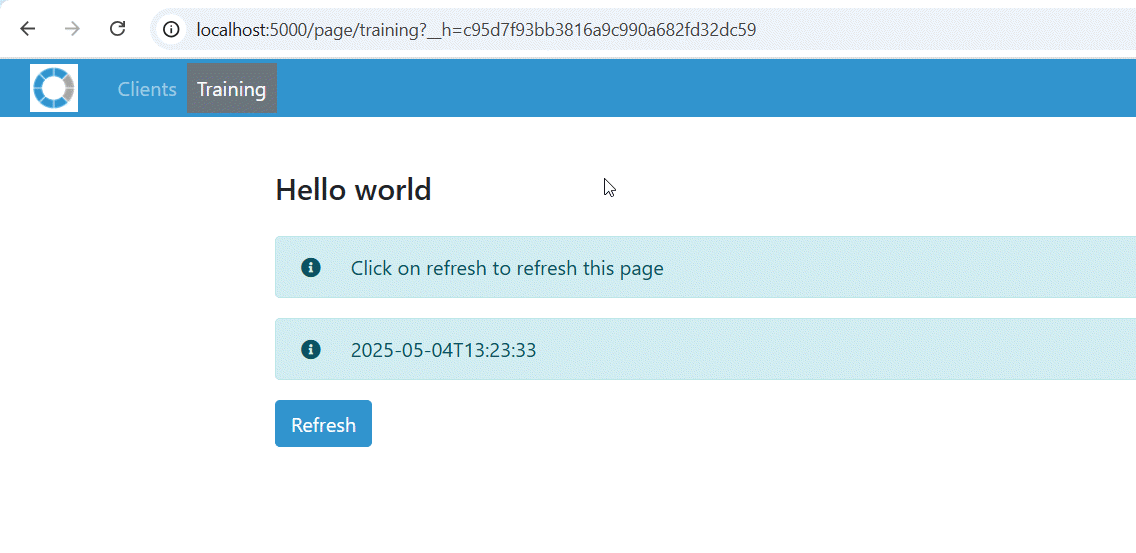
                <@page/alert/info label:'Click on refresh to refresh this page'>
                <@page/alert/info label:now() >
                <@page/button
                    label: 'Refresh'
                    url: '#'
                >
            >
        >
    )

end-function
Resulting in the following:
Placing the Page Definition in a Resources
We have seen here that property bags can be placed in resources. We often place page definitions in resources to make for cleaner code. The following has exactly the same result as the previous example:
inherits 'base'

function main()

    // Logic
    page.render( page.get( './pageDefinition' ) )

end-function

resource pageDefinition

    // Page definition
    <@page/container
        content: <@page/content
            <@page/title label:'Hello world' >
            <@page/alert/info label:'Click on refresh to refresh this page'>
            <@page/alert/info label:now() >
            <@page/button
                label: 'Refresh'
                url: '#'
            >
        >
    >

end-resource
<End of document>